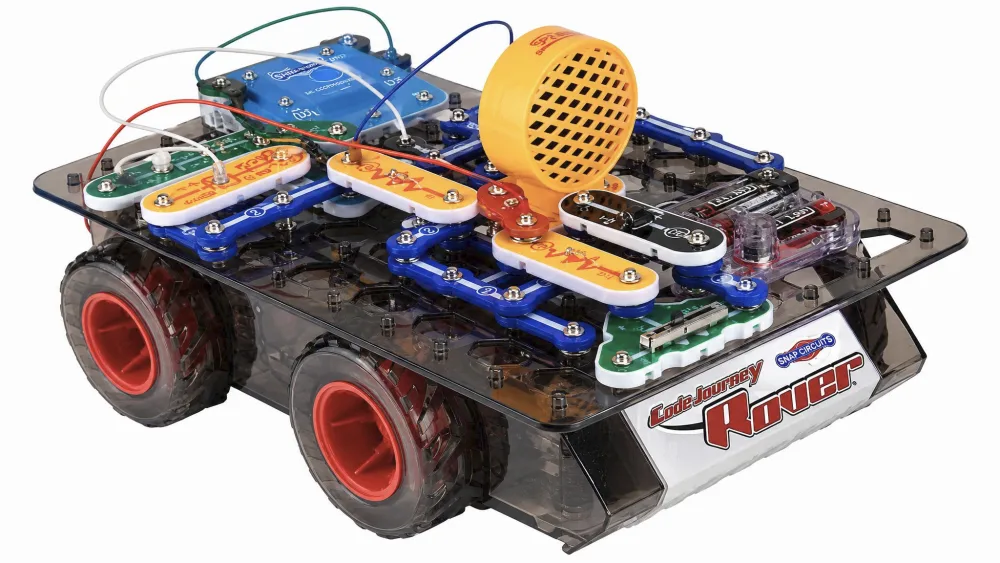
Snap Circuits Code Journey Review: Build, Code, and Drive Tested
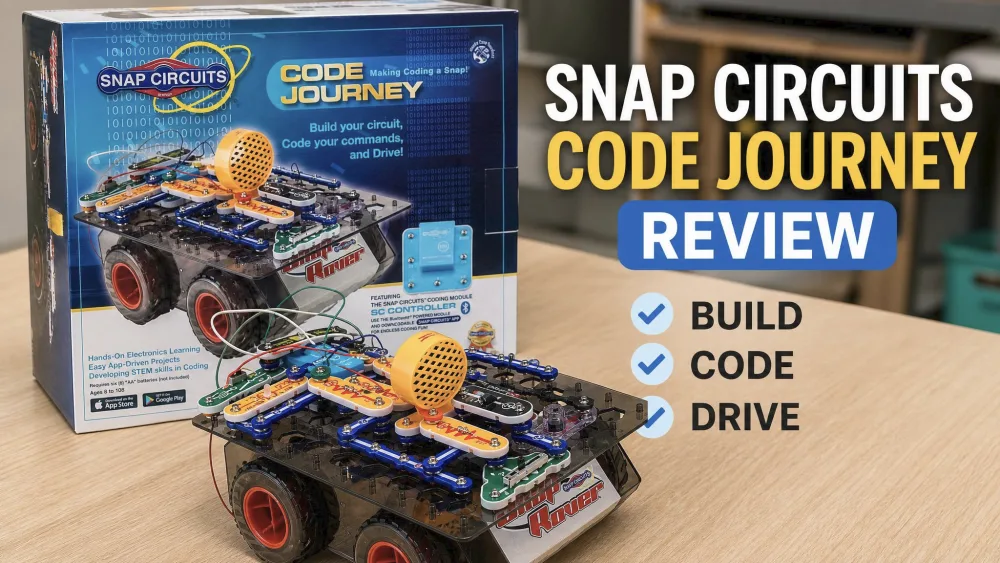
The Snap Circuits Code Journey is one of the better hands-on coding kits for build-loving kids, with real caveats. It pairs over 20 snap-together parts with more than 30 build-and-code projects and a Bluetooth rover that kids drive from a phone or tablet. We worked through the projects in our home to see whether the build, code, and drive promise teaches real skills at the roughly $100 price.
We folded the kit into our homeschool weeks and passed it around the kids old enough for an 8-and-up build. The age spread mattered, because how much each child stuck with it came down to whether they liked to build.
What Is the Snap Circuits Code Journey?
The Code Journey (model SCJ404) is Elenco's coding-focused Snap Circuits set for ages 8 and up, marketed for ages 8 to 108. Kids snap together a circuit, build a small rover, then program its movement, lights, and sounds from a free app over Bluetooth.
Features and Benefits
Build-and-Drive Circuit Projects
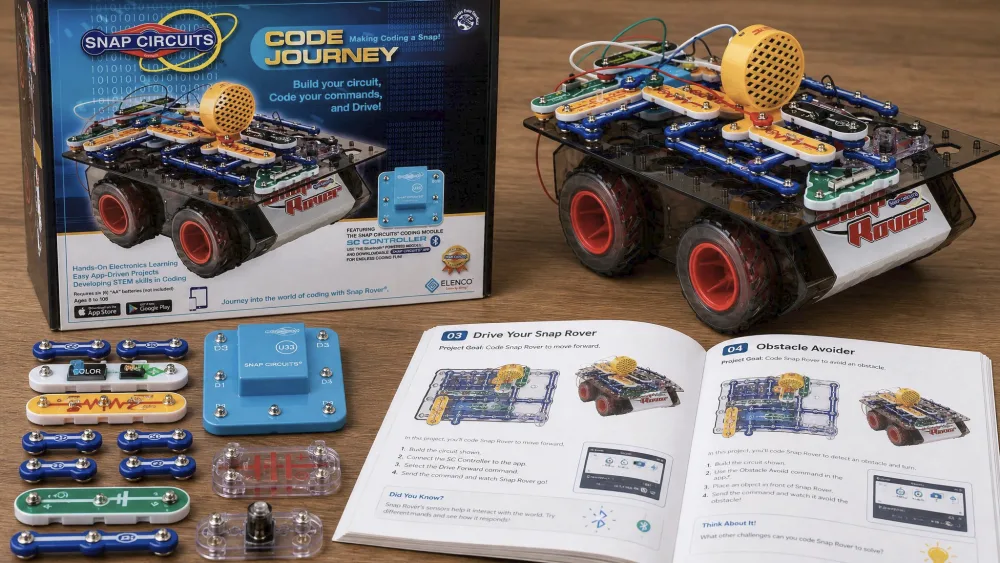
It includes over 20 Snap Circuits parts, among them the new SC Controller, plus more than 30 projects and coding challenges. Five control outputs let kids run up to 5 circuit paths together or independently. Parts are color-coded and numbered, with no soldering or tools.
Block-Based Coding via the App
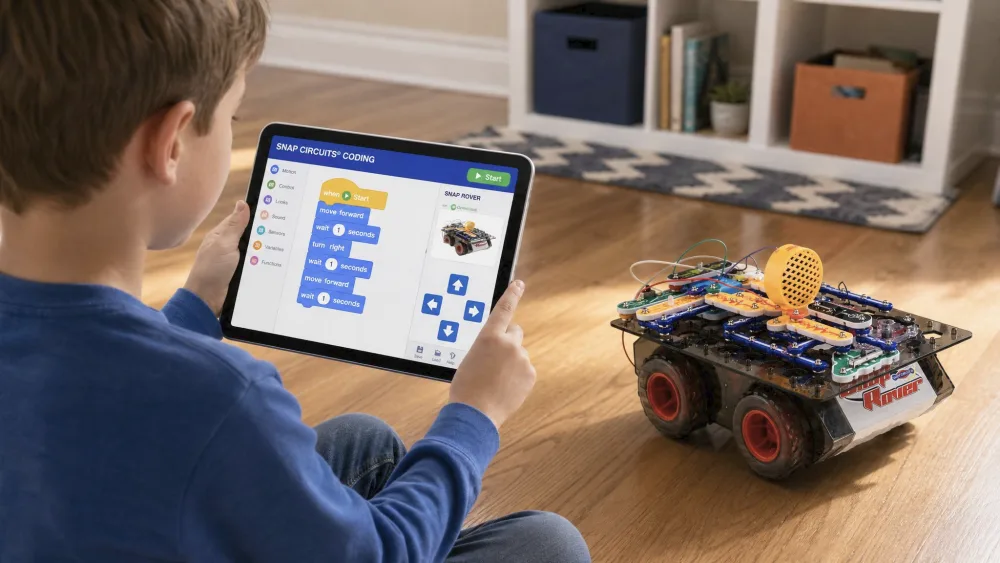
Coding runs in the free Snap Circuits Coding app across three modes: real-time control, a graphical mode, and BLOCKLY block coding. The progression mirrors how schools teach block-based coding, and Elenco groups the set with Elenco's Discover Coding line. The iOS app requires iOS 12.4 or later.
Bluetooth Control and the Rover
Once the rover is built, the app connects to the SC Controller over Bluetooth and the kit becomes genuinely fun: kids program a path, hit run, and watch the rover follow their code. Reliability depends heavily on the device, though.
Watch outApp reliability is platform-dependent, and iOS is the safer bet. On Android the listing is flagged as incompatible with recent versions, and some families only got it running by sideloading the app.
What's in the Box
You get the 20-plus snap parts, the SC Controller module, the build grid, the rover chassis, and a color manual. The app is a separate free download for your own device, and it runs on AA batteries, sold separately.
Build Quality and Durability
Parts are numbered and color-coded and snap onto the grid, so assembly and teardown are easy once kids learn the system. The pieces held up to repeated building in our home. At 4.1 lb, the kit is sturdy without being heavy.
Setting It Up: First Build and First Code
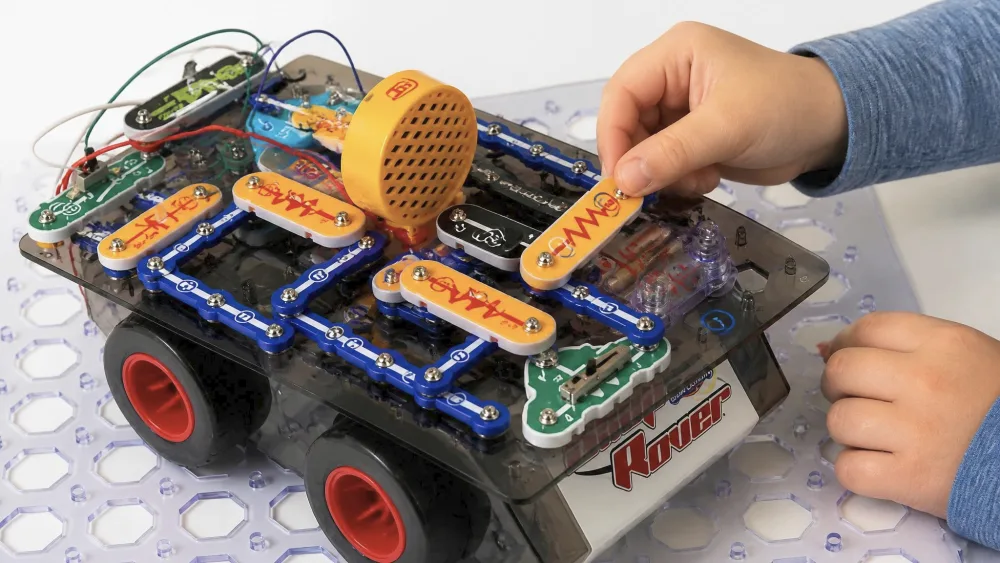
Plan for a slow start. The first build takes a while, and younger kids often need a parent alongside; one tester could barely get parts off the plastic frame alone. The first coding session is harder, since telling the graphical and BLOCKLY modes apart is tricky for first-timers.
Parent tipDo the first build and first code together, then let your child run solo on the second project. The early hand-holding pays off once the snap-and-pair routine clicks.
Hands-On Experience and Learning Value
NoteWhen we tested it, the split showed within an afternoon. The hands-on builder found it easy, durable, and great fun. The child who waited for a parent to build lost interest fast once the rover was rolling.
Circuit-Building Skills
On electronics, the kit does what every Snap Circuits set does well: it makes a closed circuit visible and physical. Kids see how a switch, a motor, and the controller connect through a repeatable, numbered system.
Coding and Logic Skills
The coding teaches real sequencing and cause-and-effect: drag a block, run it, watch the rover respond. Advanced kids will hit the ceiling, though, since the in-app coding misses basic logic functions like AND and OR, so it suits beginners best.
Does It Really Teach Coding and Electronics?
This is the honest question, and one well-known critique raises head-on.
The sharpest critic, a former kid user who went on to study electrical engineering, argues the kit is example-driven and "didn't help one bit" with real electronics.
We think that verdict goes too far. The kit will not turn a child into an engineer, and the projects are guided rather than open-ended. As a first exposure to how circuits close and how code controls hardware, it does the job. Treat it as a starting point, not a full course.
Replay Value and Open-Ended Play
Replay value depends on the child. A tinkerer will remix the 30-plus projects and invent new rover paths, while a drive-only kid drifts once the novelty fades.
Specifications at a Glance
- Model: SCJ404
- Ages: 8 and up (marketed 8 to 108)
- Parts: 20+ including the SC Controller
- Projects: 30+ coding challenges
- Control outputs: 5
- Coding: graphical + BLOCKLY app
- App: iOS 12.4 or later, or a compatible Android device
- Drive: Snap Rover over Bluetooth
- Batteries: AA, sold separately
- Weight: 4.1 lb
- Price: $124.99 MSRP, around $100 at retail
Who It's For (Ages, Skill Level, and Goals)
The label says 8 to 108, but the sweet spot is roughly 8 to 12. It fits a child who enjoys building and is ready for a first taste of coding, ideally with a parent helping at the start. It is weaker for a reluctant builder or a teen past guided projects.
Pros and Cons
Pros
- Hands-on circuit building with color-coded, durable parts
- Friendly first introduction to block-based coding
- A drivable Bluetooth rover that pays off the build
- All-inclusive kit with 30-plus guided projects
Cons
- Around $100, a premium over other Snap Circuits kits
- A real learning curve on the first build and first code
- App reliability is platform-dependent and weaker on Android
- Guided projects limit how much it teaches advanced kids
How It Compares to Other Snap Circuits Kits
The Code Journey trades raw project count for the programmable rover. For a younger child, the Snap Circuits Beginner review is a gentler start; for more analog projects, see the Snap Circuits Classic SC-300 review; for the biggest count, the Snap Circuits Extreme SC-750R review.
| Feature | Code Journey (SCJ404) | Beginner (SCB-20) | Classic SC-300 | Extreme SC-750R |
|---|---|---|---|---|
| Price | ~$100 (MSRP $124.99) | $32.99 | Varies | Varies |
| Age range | 8+ | 5–9 | 8+ | 8–15 |
| Parts | 20+ | 14 | 60 | Largest kit |
| Projects | 30+ | 21+ | 300+ | 750 |
| Coding | App: graphical + BLOCKLY | None | None | None |
| Bluetooth / drive | Yes, Snap Rover | None | None | None |
What Other Buyers Are Saying
Owner feedback splits the way we saw. Buyers praise the build quality and durability, while complaints cluster on the app: pairing failures, repeated prompts to enable Bluetooth that is already on, and crashes on some Android phones. On iOS it is smoother; the app sat at 3.5 out of 5 across 60 ratings, a score that shifts over time.
FAQ
Is the "ages 8 to 108" claim realistic?
The build and coding start at 8, but the engaged sweet spot is about 8 to 12; the guided projects rarely hold a teen for long.
What device do I need, and how does pairing work?
You supply your own phone or tablet and download the free app. The iOS app needs iOS 12.4 or later and pairs reliably; on Android, check compatibility first.
Does it actually teach coding and electronics, or is it just play?
It teaches real sequencing, cause-and-effect, and how a circuit closes. It is a friendly first exposure rather than a full course, and advanced learners outgrow the app's limited logic.
Can I combine it with other Snap Circuits kits?
Yes. The parts are cross-compatible with the wider system, so an existing collection extends what you can build.
What's in the box, and do I need batteries?
You get 20-plus snap parts, the SC Controller, the build grid, the rover, and a manual. It runs on AA batteries, sold separately.
Tips for Getting the Most Out of It
A few habits helped in our home. Buy AA batteries before you open the box, use an iPhone or iPad for reliable Bluetooth, and do the first build and first code together. Lean on the coding challenges, not just free driving, to keep an older child engaged.
Final Verdict: Is It Worth It?
So, is it worth roughly $100? For the right child, yes.