Snap Circuits Beginner (SCB-20) Review: Is This the Right First STEM Kit for Ages 5-9?
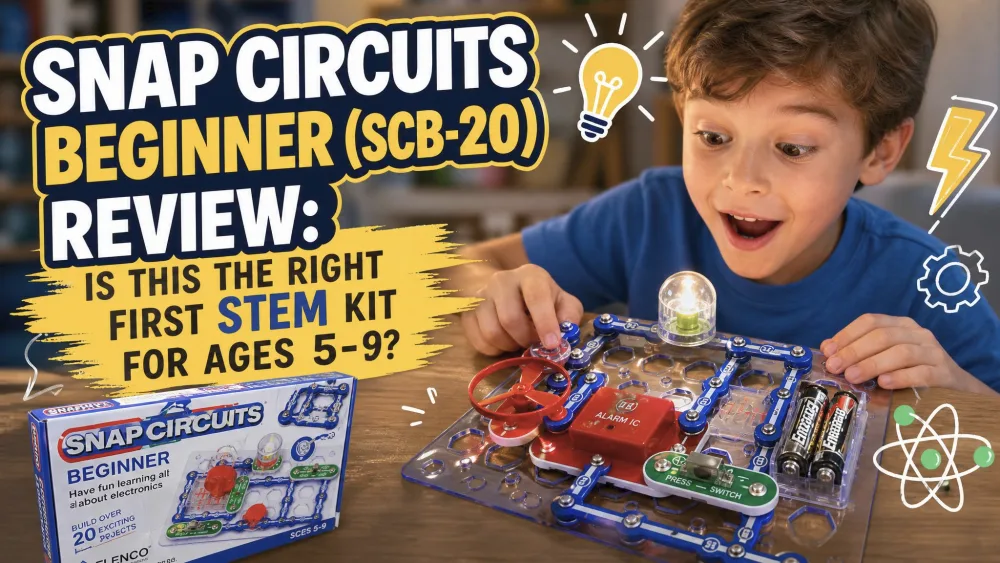
We bought the Snap Circuits Beginner kit ourselves to find out whether a $20 box of plastic parts could really teach a young child about electronics. Over several months of frequent use in our home, it became a regular before-school and after-school pick, and the parts still look new. We tested it the way most families do: open it on the kitchen table, let the kids lead, and step in only when a circuit will not light up.
NoteWe buy these kits ourselves, build alongside our kids, and score them on learning value, ease of use, build quality, and value.
What Is the Snap Circuits Beginner Kit? (First Impressions)
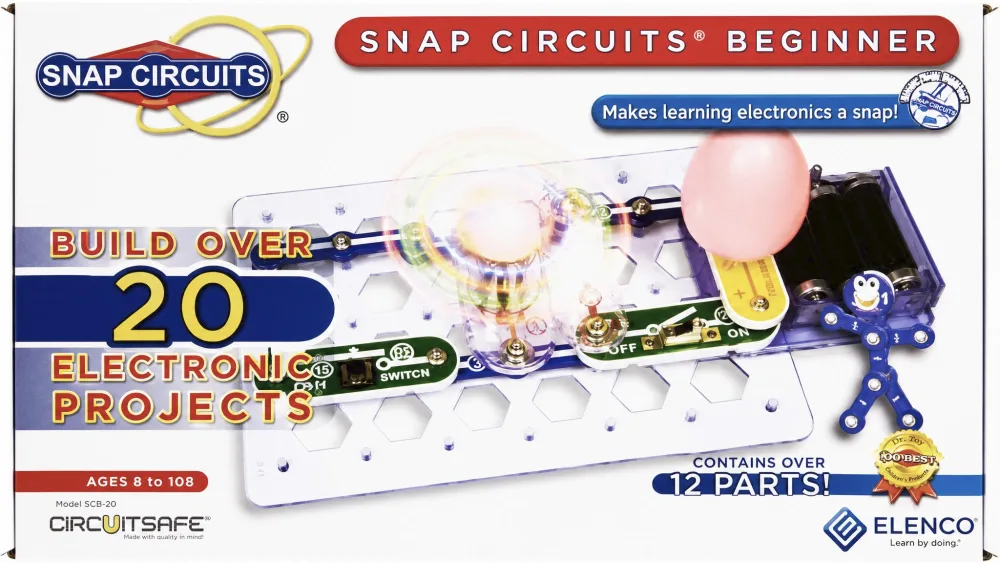
The Beginner kit is Elenco's entry-level Snap Circuits set, the SCB-20, aimed at kids roughly ages 5-9. It is the smallest box in the family, and that is the point: where the bigger sets can overwhelm a young child, this one keeps the part count low and the wins fast.
Our first impression was that it feels purpose-built for little hands. The color-coded, chunky parts clip onto a base grid that works like a printed circuit board. One thing to flag before you wrap it as a gift: the kit needs 3 AA batteries, and they are not in the box.
What's in the Box: Parts and Projects
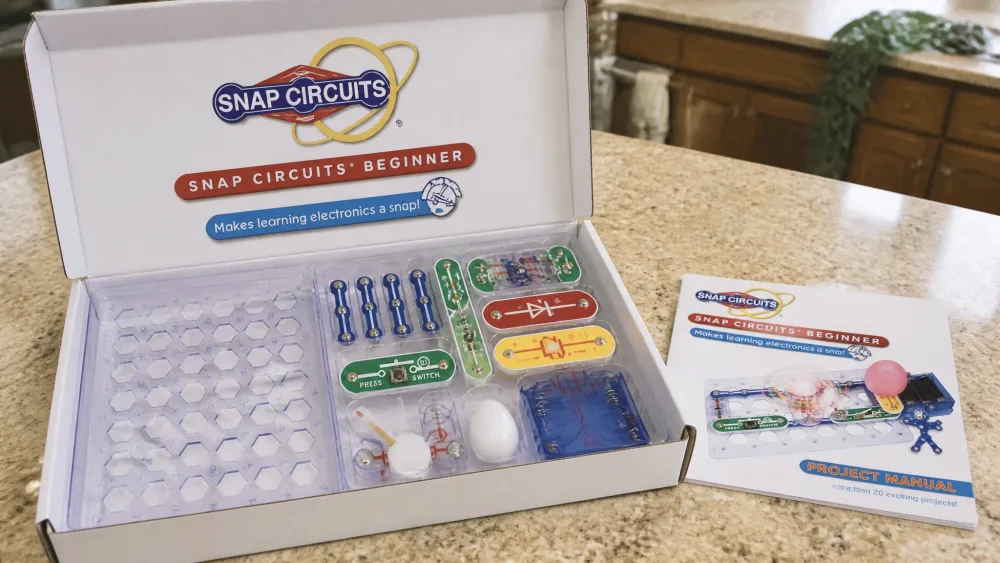
The Beginner kit ships with 14 parts and more than 20 projects. The parts cover the basics a young child needs to see cause and effect: a battery holder, a switch, a lamp, a music chip, a motor, and the wire snaps that connect them.
That short list is deliberate. With 20+ projects, a 6-year-old can work through a meaningful chunk of the book without hitting a wall of complexity. The kit builds simple light, sound, and motor circuits, so a child quickly learns that flipping a switch can turn on a lamp, spin a fan, or play a tune. There is no soldering and no tools.
The Learning Experience
This is where the kit earns its keep. The Beginner set teaches real STEM education fundamentals through doing rather than reading: how a circuit needs a complete loop, how a switch breaks it, and how the same power can drive light, sound, or motion.
What Kids Actually Build
The projects start simple and build confidence fast. Our kids' favorite early wins were the ones with an obvious payoff, like a circuit that plays music or spins a small fan. The satisfaction is immediate, which keeps a young child coming back.
The best learning moments came from circuits that did not work on the first try. A part placed the wrong way, or a connection left open, means nothing happens. Kids get real satisfaction from troubleshooting a dead circuit and fixing it themselves, often spotting the missing connection on their own. That problem-solving loop is the real lesson.
NoteComponent placement is directional. A part has to face the right way or the circuit stays dark, which is a common early stumbling point and the moment kids learn to read the diagram closely.
Ease of Use and the Color Picture Manual
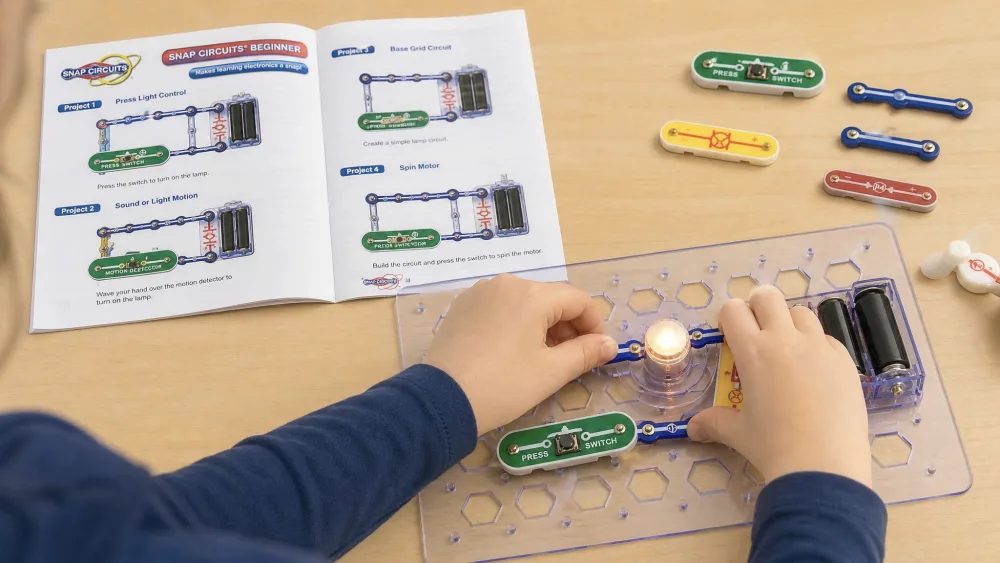
The color picture manual is the unsung hero. It uses bright, step-by-step diagrams and very few words, so a 5-to-9-year-old can follow along at their own pace without an adult reading every line. A non-reader or early reader can build mostly on their own.
The snap pieces are easy for little hands to grip and press together, which cuts the frustration that sinks younger kids on fiddly kits. Children with prior LEGO experience pick up the placement diagrams even faster, since the grid reads like familiar territory.
The kids reached for this kit on their own, choosing it as a before- and after-school activity within days.
Build Quality and Durability
After several months of frequent use, our Beginner kit held up well, with all the parts still in excellent condition. The snap modules are sturdy, and the storage tray keeps everything sorted, so there are fewer lost pieces and a tidy-up step the kids actually enjoy.
The one weak point is not the circuit pieces. It is the battery box. The compartment screw is tiny, and a young child can strip it by turning it the wrong way, which can make the box hard to open. Pieces can also crack if a circuit is forced together wrong, but Elenco sends free replacement parts on request, so a broken piece is an inconvenience rather than a dead kit.
Watch outOpen the battery compartment yourself, or supervise the first few times. The small screw strips easily, and that is the most common way this kit gets sidelined.
Safety Features
Safety is the Beginner kit's strongest argument for the youngest age group. It uses Elenco's patented CircuitSafe fuse technology, unique to the Snap Circuits brand, which guards against the wiring mistakes a child will inevitably make. The parts are also larger than those in the advanced sets, sized for small hands. With no soldering iron and no exposed wiring, it is a forgiving first kit for an under-8.
Pros and Cons
Pros
- Beginner-friendly: snap-together, no soldering, no tools
- Wordless picture manual lets kids build independently
- Large, grippable parts sized for small hands
- CircuitSafe fuse and free replacement parts make it forgiving
- Held up to months of frequent use with no wear
- Strong value at around $20
Cons
- Only 14 parts and 20+ projects, so curious kids outgrow it
- Battery box screw strips easily; 3 AA batteries not included
- Pieces can crack if a circuit is forced together wrong
- Directional parts can frustrate the very youngest at first
Who Is It For?
Best Ages and Skill Level
This kit is built for the 5-to-9 range, and it shines at the younger end. Children 3 to 5 can join in with adult help, and we have seen a 5-year-old finish the first project independently partway through. The grippable parts, picture manual, and forgiving safety design make it the right starting point for a child new to electronics.
Engagement also runs longer than you might expect. Rather than abandoning it after one session, kids kept building over days and weeks, which is the real test of whether a STEM toy holds attention.
When to Size Up: Beginner vs. Jr. SC-100 vs. Classic SC-300
If your child is closer to 8, already loves building, or you want a kit that lasts for years, look one step up. The Snap Circuits Jr. SC-100 review covers the value step-up, and the Snap Circuits Classic SC-300 review covers the deepest project range. Here is how the three compare.
| Feature | Beginner SCB-20 | Jr. SC-100 | Classic SC-300 |
|---|---|---|---|
| Age range | 5-9 (5+) | 8+ | 8+ |
| Parts count | 14 | 28 | 60+ |
| Project count | 20+ | 100+ | 300+ |
| Price tier | Budget (~$20) | Best value | Mid-range |
| Soldering required | No | No | No |
| Upgradeable | Within line | Yes (UC-30/40/60) | Yes (to Pro/Extreme) |
| Best for | First kit, youngest | Step-up, ages 8+ | Deepest range, 8+ |
The Jr. SC-100 is the kit most families graduate to, with 28 parts and over 100 projects. The Classic SC-300 jumps to 60+ parts and over 300 projects, and feels like real engineering to an older child. The Beginner stays the right choice only when the builder is genuinely young or brand new to circuits.
Price and Value for Money
At around $20 at most major retailers, the Beginner kit is easy to justify as a first electronics set. Street price swings by seller and over time, so treat $20 as a common mass-retail figure rather than a fixed sticker. Across small retailer review pools, the kit tends to land around 4.5 out of 5 stars, though the figure drifts with such small samples.
The value question comes down to fit. For a 5-or-6-year-old, the $20 Beginner is the smart buy; the bigger kits would sit unused until they grow into them. For an 8-year-old, we would spend a little more on the Jr. SC-100 and get five times the projects.
Frequently Asked Questions
What age is the Snap Circuits Beginner kit for?
It is designed for ages 5-9 and boxed as 5+. Children 3 to 5 can take part with adult help.
How many parts and projects does it include?
It has 14 parts and more than 20 projects, covering light, sound, and motor circuits.
Do you need soldering or extra tools?
No. Every part snaps together by hand. You will need 3 AA batteries, not included.
Is it worth it, or should you start with Snap Circuits Jr.?
For a young child new to electronics, the Beginner is the safer start. Around age 8, the Jr. SC-100 offers far more projects for a little more money.
Can it be upgraded to larger Snap Circuits sets?
The Beginner parts work within the line, but the clearer upgrade path runs through the Jr. and Classic sets, which use dedicated upgrade kits to reach the Pro and Extreme tiers.
Final Verdict
The Snap Circuits Beginner (SCB-20) is the kit we would put in front of a young child first. It nails what matters most for a true beginner: fast wins, a wordless picture manual, grippable parts, and a safety design that forgives the mistakes every kid makes. After several months of near-daily use, it still works like new.
Its limit is its size. Twenty-plus projects is plenty for a 5-or-6-year-old and not enough for a hungry 8-year-old, who will be happier with the Jr. SC-100. But judged as a first kit for the youngest builders, it is hard to beat at around $20. If that describes your child, check the current price on Amazon and start them here.