Snap Circuits MyHome Review: A Hands-On Look at the Home Electronics STEM Kit
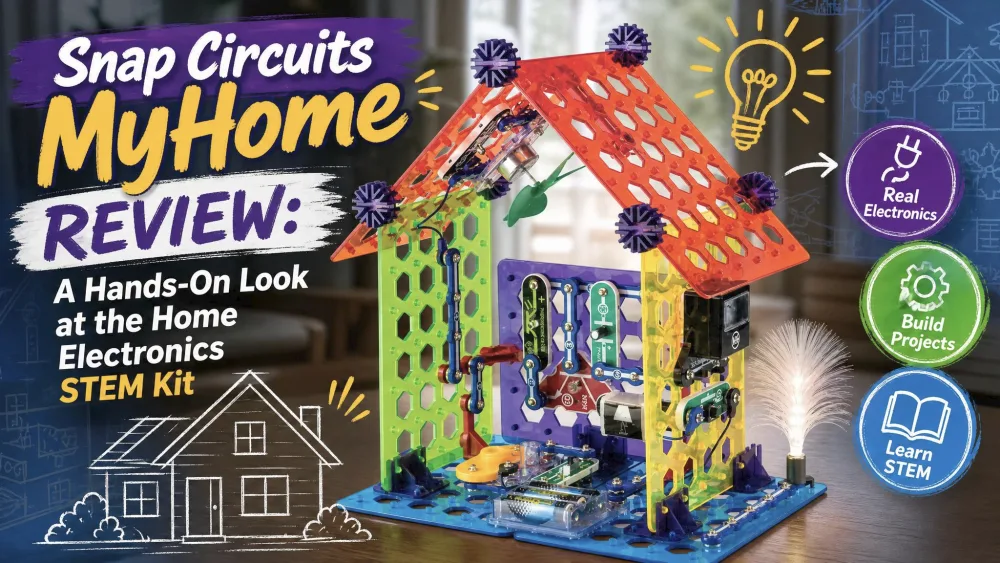
Every parent who eyes the Snap Circuits MyHome kit asks the same two questions. Is it worth the price, and will my kid stick with it past the first afternoon? We wanted real answers, so we brought it home and built all 34 of its projects with our kids. Here is what we found.
What's in the Box: 60 Parts and 34 Projects
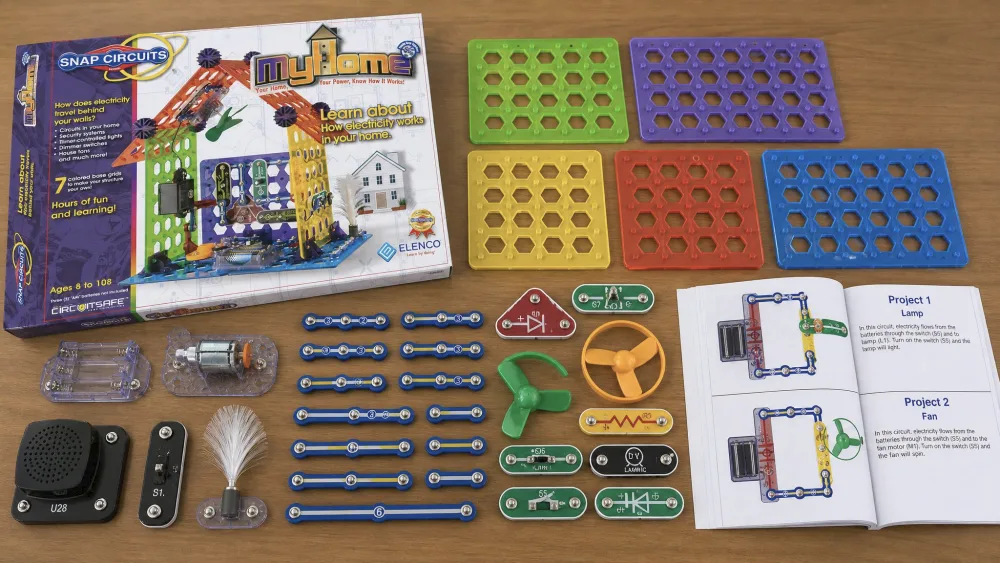
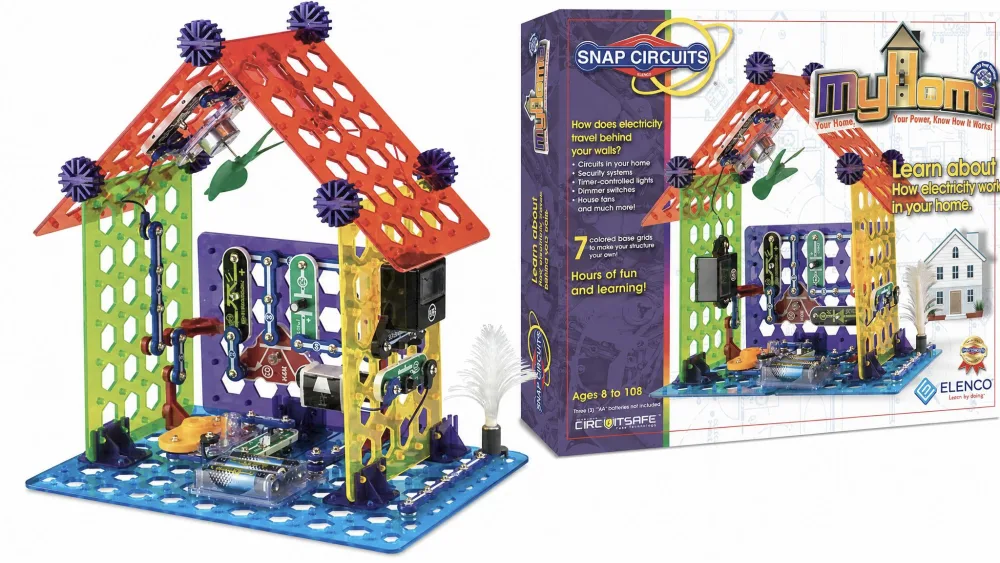
The MyHome set, sold as model SC-MYH7, ships with 60 snap-together parts and a full-color manual covering 34 projects. It is rated for ages 8 and up. The box also includes seven colored base grids, switches, snap and jumper wires, LEDs, a sound module, a meter, and a motor. You supply 3 AA batteries yourself, and nothing needs glue or tools.
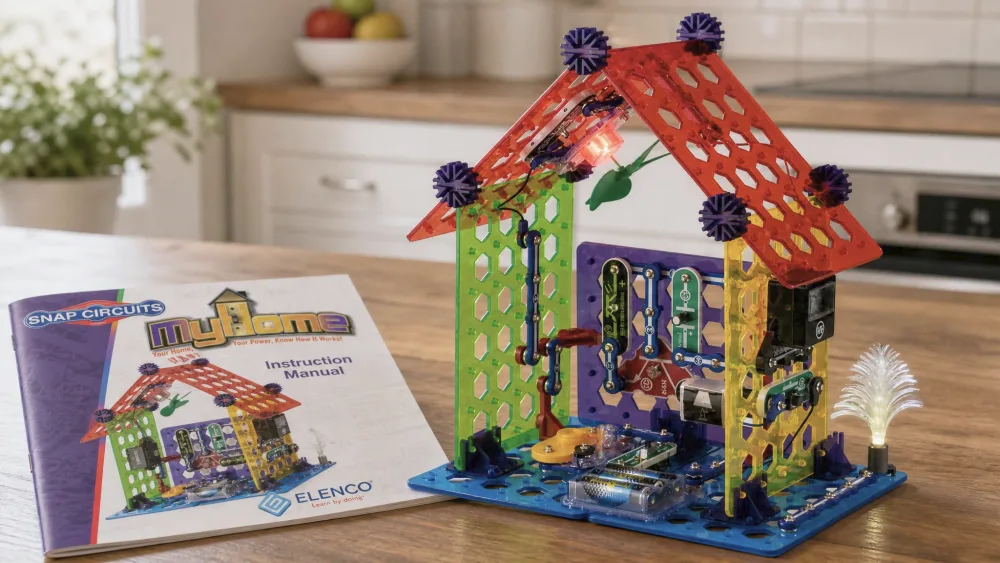
The theme is what sets MyHome apart. Instead of generic circuits, the projects build a 3-D house or tower, and each maps onto a real home system like a security alarm, a dimmer switch, or a generator.
The Building Experience: What It's Like to Use
The snap-together blocks are the heart of the system, and they feel built to last. Each piece is sized well for smaller hands, and the parts click together with a satisfying snap. Taking a project apart is just as fast: pieces pull off and store back in the box in seconds, which made cleanup easy. There is real replay value too, and our kids spent hours building circuits, taking them apart, and building them again.

Ease of Assembly and the Learning Curve
There is a genuine learning curve at the start. Even an adult who does not love STEM can struggle to see how the pieces connect before leaning on the manual. The good news is that the full-color manual walks you through every build step by step, and the pictures do most of the work. One frustration is worth flagging: the connectors are not clearly labeled, so it is easy to grab the wrong part mid-build. Kids who already follow LEGO-style instructions settle in faster.
NoteWe built every one of the 34 projects with our kids across several sessions, scoring durability, how clearly the manual guided each build, and whether the kids returned to it on their own.
We tested it with the kids in our house who were old enough for the 8-plus rating, and the first build took an afternoon of patient, step-by-step work before the manual's rhythm started to click.
What Kids Actually Learn (Circuits, Home Wiring, and Green Energy)
This is where MyHome earns its keep. Every project explains what the child is learning and where it shows up in the real world. The instructions tie each circuit to fuses, circuit breakers, security systems, and generators, so kids see why a circuit matters in the house around them. The learning happens through trial and error. When our kids swapped a resistor for a plain wire and the sound module got louder, they worked out on their own that less resistance lets more current through. It also leans into green-energy concepts, so kids meet generators and energy use alongside the basics.
Who It's For: Age and Skill Level
The box says ages 8 and up, and we think that floor is accurate with one caveat. Younger builders right at the 8-year mark usually need a parent nearby to get going. Once a child finds the rhythm of the manual, they can run on their own.
Watch outAt the younger end of the 8+ range, plan to sit alongside your child for the first few builds. The projects move quickly once the manual clicks, but that first hour usually needs an adult.
How It Compares to Other Snap Circuits Kits
Snap Circuits makes a wide family of kits, and MyHome sits in a specific spot. It is themed around the home rather than general electronics, so its 34 projects are fewer than the broader sets offer.
| Kit | Parts | Projects | Age | Core focus | Price tier |
|---|---|---|---|---|---|
| Snap Circuits MyHome (SC-MYH7) | 60 | 34 | 8+ | Home systems, green energy | Higher (~$70–$108) |
| Snap Circuits Jr. (SC-100) | ~30 | 100+ | 8+ | Entry electronics basics | Entry (<$30) |
| Snap Circuits Classic (SC-300) | 60+ | 300+ | 8+ | Broad electronics fundamentals | Mid (~$45) |
| Snap Circuits Pro (SC-500) | 75+ | 500+ | 8+ | Advanced, flagship kit | High (~$70+) |
If your child is brand new to circuits, the Snap Circuits Jr. SC-100 review and our Snap Circuits Beginner review are gentler entry points. For broad, open-ended electronics, the Snap Circuits Classic SC-300 review and the Snap Circuits Pro SC-500 review step up the parts and project counts.
Price and Value for Money
Price is where MyHome gives parents pause. It runs around $70 on sale and closer to $98 to $108 at full list, depending on the retailer and the day. That sits near the top of the range, above the broader Classic set. You are paying for the home-systems theme and the polished manual, not for raw project count, so families who just want the most circuits per dollar will do better with Classic. Walmart shoppers rate it 4.6 out of 5, though that is from only 16 ratings so far.
Pros and Cons
Pros
- 60 parts and 34 projects built around real home-wiring scenarios
- Teaches genuine home electrical systems and green-energy concepts
- Durable snap blocks sized well for smaller hands
- Screen-free play that snaps apart and stores in seconds
- Standout full-color, step-by-step manual
Cons
- Learning curve and parental help needed at the younger end of 8+
- Price sits near the top of the Snap Circuits range
- Success depends on closely following the manual
- Unlabeled connectors can slow the early builds
Final Verdict: Is Snap Circuits MyHome Worth It?
So, is it worth it? For the right child, yes. MyHome is not the cheapest kit or the one with the most projects, but it connects electronics to the home a child already lives in better than any sibling.
Frequently Asked Questions
What age is Snap Circuits MyHome for?
It is rated for ages 8 and up. Children right at 8 usually need help for the first few builds, while older kids work the manual on their own.
How many parts and projects does it include?
The kit comes with 60 snap-together parts and a manual covering 34 projects.
Does it need batteries?
Yes. It runs on 3 AA alkaline batteries, sold separately, so grab a pack before the first build.
How is MyHome different from Snap Circuits Jr., Classic, or Pro?
MyHome is themed around home electrical systems and green energy. The others teach broader electronics with higher project counts but no home theme.
Is Snap Circuits MyHome worth it?
Yes, if you want a child to connect circuits to the real house. If you mainly want the most projects per dollar, Classic is the better value.