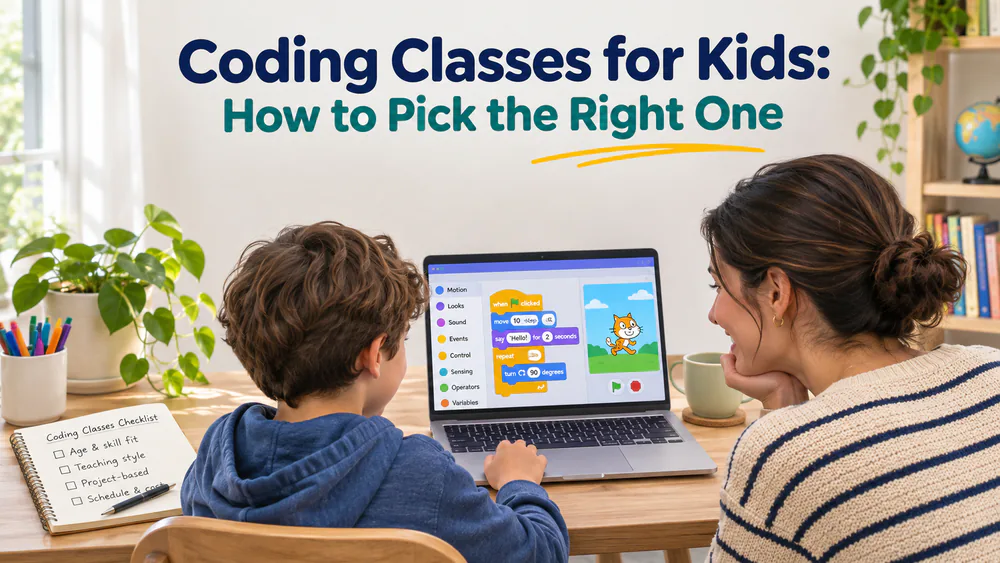
Coding Classes for Kids: How to Pick the Right One
A good coding class for kids teaches them to build real projects, not just click through a lesson. It matches their age, gives them help when they get stuck, and lets them leave with something they made. Most families can find that in one of three formats: live online classes, self-paced courses, or small in-person programs.
The right pick depends less on the brand and more on your child. Consider their age, whether they like working alone and whether they will attend each week. This guide walks through the providers worth a look, then how to compare them.
Coding Class Providers Worth a Look
These are starting points, not a ranked list. Each one offers a free start, a free trial, or a free first session, so you can try before you pay. We describe each provider's stated offerings and use broad cost tiers because prices change often.
Tynker
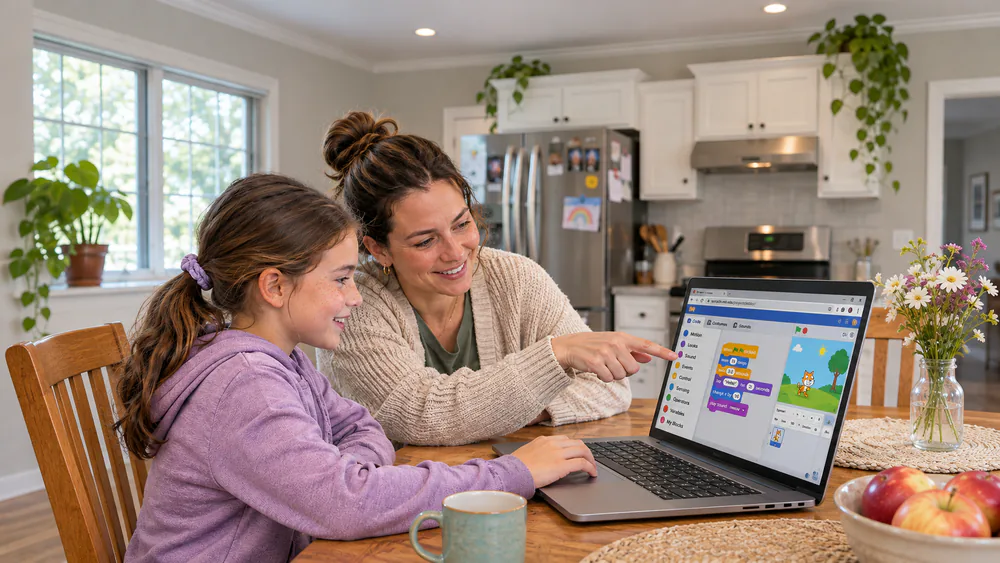
Tynker is a self-paced option for ages 5 to 18. Younger kids start with icon-based coding that needs no reading, then move through story-based block coding into JavaScript and Python. A placement test points each child to the right starting level.
Plans cover up to 3 children, which helps in a bigger household like ours. It sits at the Budget end of the range, and a free start lets you look around first.
The part we like most is how well it works for parents who do not code. Lessons explain themselves with puzzles and built-in tutorials, so a parent with no background can still sit beside a child and follow along in a visual block language. The community is moderated and closed, so you can relax about strangers online while your child works.
CodaKid
CodaKid serves ages 6 to 18 and offers three formats. There are 115+ self-paced courses with teacher support, private 1:1 lessons with hand-picked teachers, and live small-group virtual camps. Camp sessions are recorded.
Kids who love Minecraft or Roblox tend to stay more engaged here, because the first projects sit inside a game they already know. Professional languages and AI classes start around age 9, and Python from about 10.
Two experiences stand out in a homeschool setting. Quick answers to help requests can keep a child returning to a self-paced course on their own after other schoolwork is done. And a steady 1:1 tutor over many months builds a bond that keeps a young child coming back each week.
Self-paced courses start with a free trial of 14 days. If you cancel during it, there is no charge. Private lessons start with a free first session. Self-paced courses run from Budget to Mid-priced, while private lessons are Premium.
Codingal
Codingal teaches live online lessons with an instructor, for ages 5 to 17 and some to 18. Courses cover block coding, Scratch, Python, web development and AI. They are project-based and come with certificates.
Courses are a real commitment. A shorter one runs roughly 4 to 6 months at 48 lessons, and the longest reach 144 lessons over 12 to 18 months. It is Mid-priced, since you are paying for live instructor time.
A free lesson is offered, along with a stated money-back guarantee. We could not confirm the conditions or the window for that guarantee, so read the terms before you rely on it.
Code Wiz and theCoderSchool (in person)
If your child learns better with a person in the room, two in-person providers are worth a look. Both sit at the Premium end of the range.
Code Wiz runs in-person classes, camps, robotics and competitions in small groups. It has four pathways: foundational coding, game development, robotics and physical computing, and AI. Levels are Explorer for ages 6-9, Creator for 8-12, and Innovator for 10-17.
Trial offers differ from one center to the next, so ask your local center. In practice a phone call is often needed to book that first session.
theCoderSchool centers focus on a weekly one-hour lesson with a typical 2:1 student-to-coach ratio. That is close to private tutoring, which is why it costs more. A classroom-style Code Class costs less and sits at Mid-priced. Languages include Scratch, Python and Java, with AI and robotics also offered.
Ages are listed as 7 to 18, though they can vary by location, so check your local page. There is a no-commitment free trial lesson through the nearest location.
Coding with Kids
Coding with Kids offers live online group and private classes for ages 5 to 18. Sessions run weekly and ongoing, which the company calls the Coder's Ladder. Camps run in person or online, and after-school classes cover grades K-12.
Levels 1 and 2 are block coding with no AI tools. AI help is added from level 3, as kids move to text coding. We like that order, because it lets children learn the logic before a tool offers shortcuts. Cost runs from Mid-priced to Premium. We could not confirm trial terms or class size from the page, so ask before you enroll.
What a Good Coding Class for Kids Looks Like
A good class gets a child making something in the first session. It uses hands-on projects, explains ideas in small steps, and builds up to harder work at the child's own pace.
Look for lessons that ask kids to think, not copy. Real coding builds critical thinking, because a child has to break a problem into parts and fix what breaks. A class that only has them follow along while a video plays teaches far less.
The first projects matter. Kids stay more engaged when the early work sits inside something they already love, such as a Minecraft or Roblox world. A child who cares about the result will push through the boring parts.
Finally, a good class gives kids real skills and a way to ask for help. We come back to that in the enrollment checklist below.
What Age Should Kids Start Coding Classes?
Most children can begin with visual tools around age 5. Text languages come later, and the timing depends more on reading and typing comfort than on a birthday. Our guide to starting coding by age goes deeper on each stage.
Ages 5 to 8: block coding and visual games
Younger kids snap blocks together to move characters and build small games. Scratch is the best-known free tool, and Scratch Jr and similar block tools are commonly suggested from about 5 to 7.
At this age, short sessions and plenty of play work best. Icon-based options, like Tynker's, suit children who cannot read yet. Games that teach the same ideas are another gentle entry, and we list some in our best coding games for kids.
Ages 9 to 12: Scratch, Python and game design
This is the sweet spot for many families. Kids can build longer Scratch projects, start designing their own games, and meet their first lines of Python. Text languages like Python usually follow around age 10.
Game design keeps motivation high. A child building a level they invented will happily debug it. Robotics can also help at this age, and our robot kits that teach coding show how.
Ages 13 and up: Python, web development and AI
Teens can handle real programming languages, web development and AI projects. The goal shifts from games to portfolios, and a teen might build a site or app they can show to others.
Most of the providers above run courses for kids and teens up to 18, so there is room to grow without switching.
Live Classes, Self-Paced Courses and In-Person Programs Compared
The format often matters more than the provider. Here is how the three compare.
| Format | Typical age | Cost level | Best for |
|---|---|---|---|
| Live online | 5-18 | Mid-priced to Premium | Kids who need a teacher and a weekly routine |
| Self-paced | 5-18 | Budget (free to try) | Self-motivated kids and flexible schedules |
| In-person | 6-17 | Premium | Kids who learn best with a person in the room |
Self-paced courses depend on a child wanting to log in. Without that pull, progress stalls compared with a live weekly class. A child who loves the subject will do well, while one who needs a nudge may fall behind.
Live classes add a fixed time and a person who notices when a child is lost. Some parents doubt that an online class can hold a child's attention until a live instructor makes it interactive. In-person programs add the most structure and cost the most.
How Much Do Coding Classes for Kids Cost?
We keep cost in tiers, because providers change prices and plans often. Self-paced courses are usually Budget, and many offer a free start. Live group classes land at Mid-priced. Private 1:1 lessons and in-person small groups are Premium.
The gap comes down to teacher time. A self-paced course serves thousands of kids with the same lessons. A weekly class with a coach at a 2:1 ratio pays for a person's whole hour.
Free tools can carry a child a long way, and we cover them below. Paid classes add structure, feedback and a clear path forward.
Parent tipUse the free trial before you commit. Book it on a normal weekday, not a special day, so you can see how your child does in an ordinary session.
Watch outCheck whether a plan renews automatically. Monthly plans can usually be cancelled at any time, but annual plans may need you to turn off renewal yourself.
Some providers are approved for state education-savings and scholarship programs. CodaKid, for example, lists several. If you homeschool, it is worth checking whether your state's program covers it.
What to Look For Before You Enroll
Run through these four checks before you pay for anything.
Class size and teacher interaction
Ask how many students share a teacher. A 2:1 ratio means near-constant attention. A larger group means less time for each child. For self-paced courses, ask how fast help requests get answered.
Projects kids finish and keep
Look for courses that end in finished projects: a game, an app, a site. Real projects give a child something to show and a reason to keep going. Ask whether kids can share or keep what they build.
Free trial and cancellation terms
A free trial tells you a lot. Read how long it lasts, whether it needs a card, and what happens when it ends. Confirm the cancellation steps before you sign up, not after the first charge.
Safety and parent visibility
Look for a moderated community and a way to see your child's progress. A closed, moderated space lets parents relax about strangers while a child works alone. For live classes, ask who the teachers are and whether sessions are recorded.
Do Kids Still Need to Learn Coding Now That AI Can Write Code?
Yes, and the reasons are practical. AI can speed up building, but people still need to judge the result and fix it when it breaks. That takes an understanding of how code works.
Providers like theCoderSchool and Coding with Kids make the same case: learn the fundamentals first. We like that approach: children write code themselves before relying on AI help.
Learning to code also builds logic and critical thinking. Those skills carry over to math, writing and everyday problem solving. A child who understands code can tell when an AI answer is wrong.
Free Ways to Try Coding Before You Pay
Start free. Scratch from MIT is a free block-coding tool where kids can build games and stories. Code.org offers free lessons for beginners, including an hour-long introduction that needs no experience.
Beyond those, Tynker has a free start, and nearly every provider above offers a trial lesson or session. Try two or three for a week or two, and watch which one your child asks to open again.
The best signal is a child who goes back in on their own. That tells you more than any feature list. Kids who code independently tend to gain confidence and ask for help less over time.
Frequently Asked Questions
Do kids need coding experience first?
No. Most providers start with absolute beginners, and Tynker begins with icon coding for children who cannot read yet. Code.org and Scratch are good free ways to get a first feel before choosing a class.
Can parents help without knowing how to code?
Yes. In a visual block language, the lessons explain themselves with puzzles and built-in tutorials, so a parent can sit beside a child and follow along. You do not need to answer every question, only encourage them to try the next step.
Is online or in-person better?
Neither wins every time. Online gives flexibility and a wide choice of teachers, while in-person gives a person in the room and a local group. Choose by how your child learns best, and use a trial to check.
How long does a course take?
It varies by provider. At Codingal, a course runs roughly 4 to 6 months at 48 lessons, and the longest run 12 to 18 months at 144 lessons. Self-paced courses move at the child's own pace, so there is no fixed end.
Are free trials worth using?
Yes. A free trial shows how your child responds before you pay, and it lets you judge the teacher and the pace. Book it as soon as you shortlist a provider, and note the cancellation terms while you are there.
Your next step: pick two providers from the list above and book a free trial for each this week.